
Phone Tracking Templates
A page for my colleagues. Download these templates and use them to easily track phone screens. The patern you use depends on the specific situation.
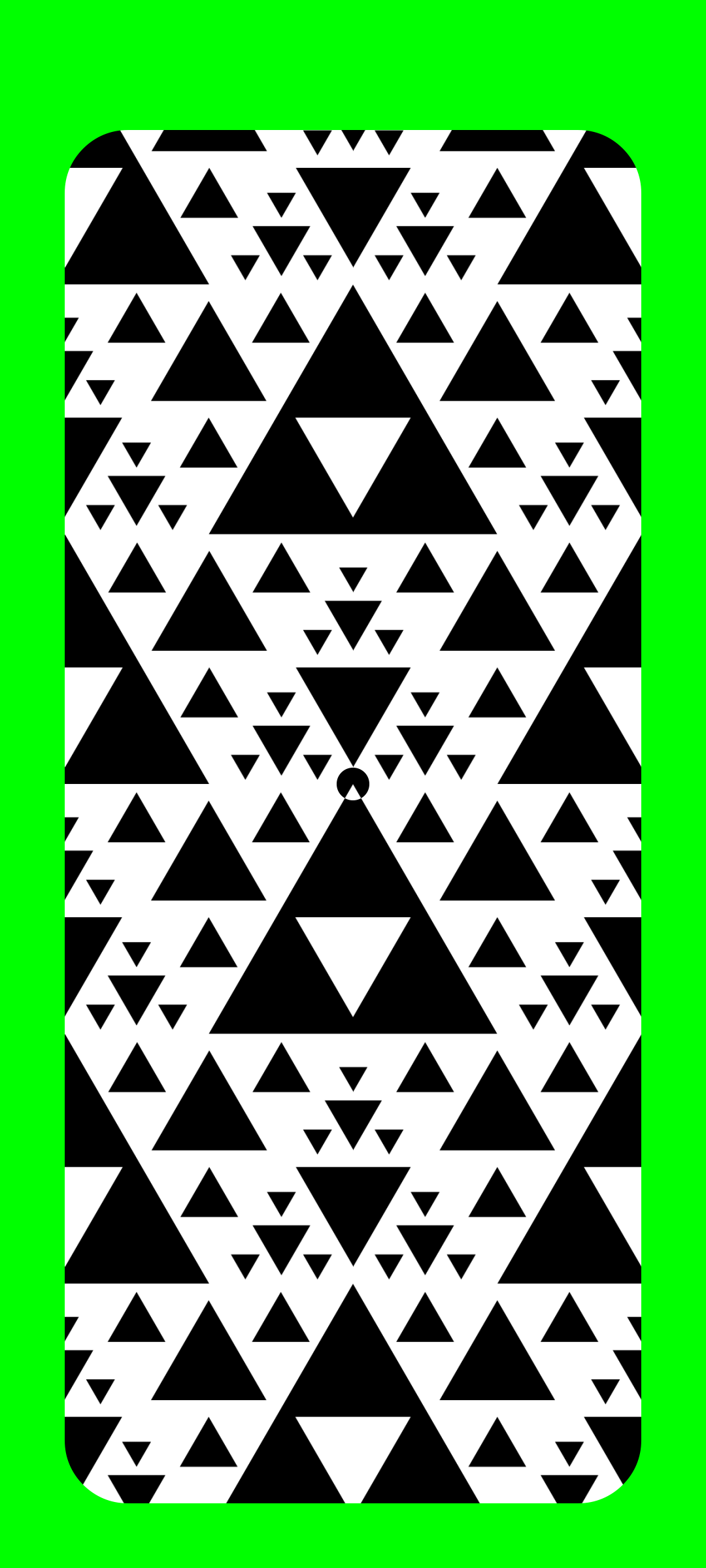
Green
Ideal for: Cutting Out
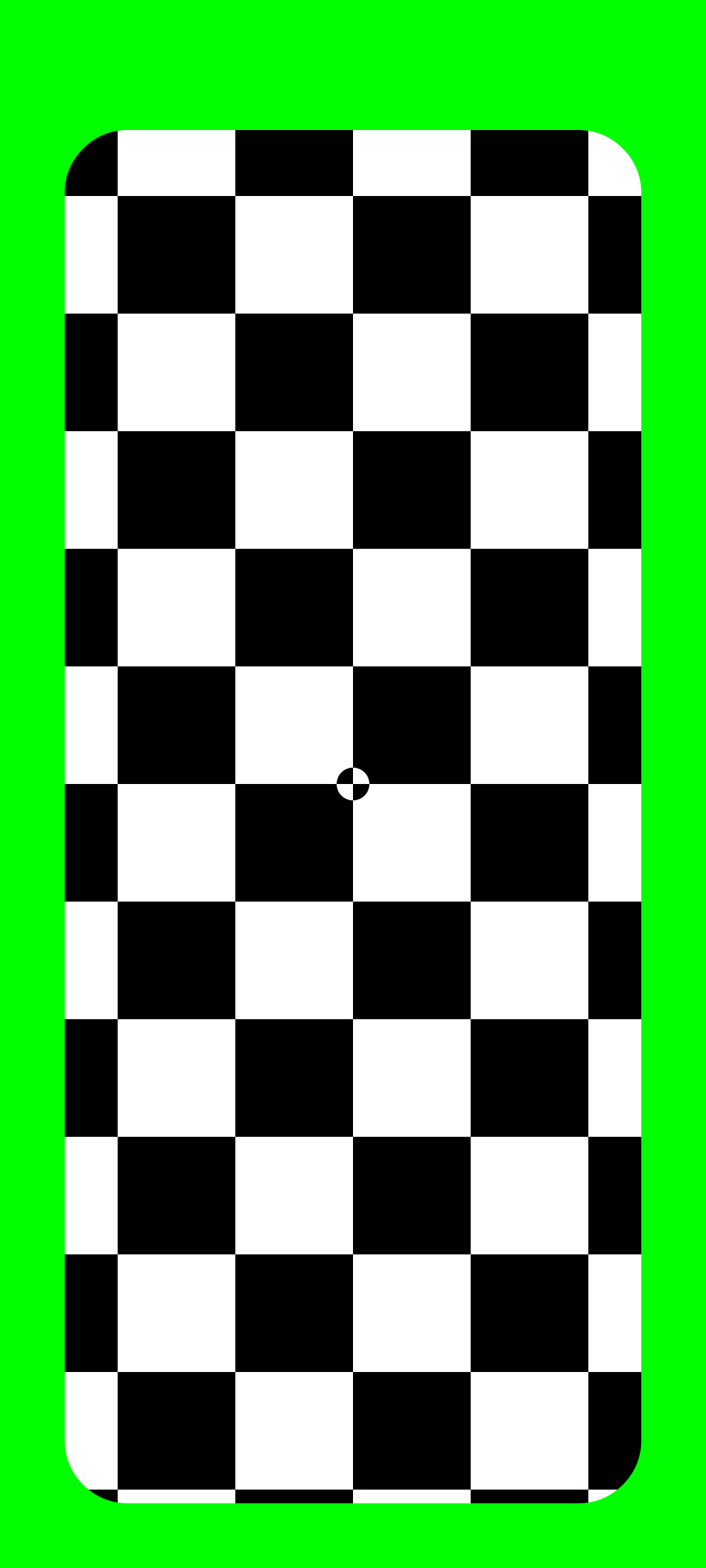
If you want to easily find the edge of the screen and cut out foreground objects, you can do so using standard green screen techniques. The tracking markers are also green fot that purpose.
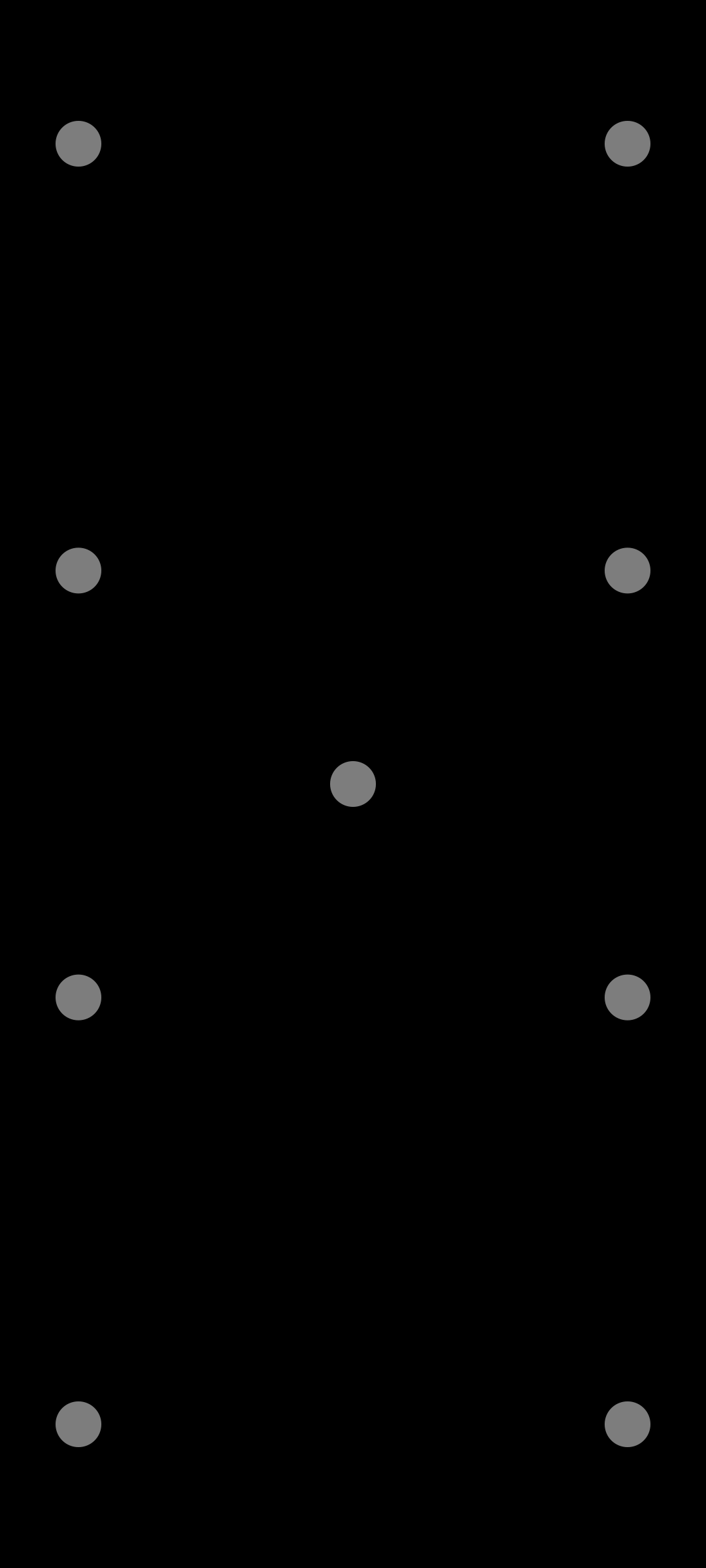
Keep in mind that you always need 4 visible tracking markers, so if objects are in front of the screen, it's best to use the 9-point template.






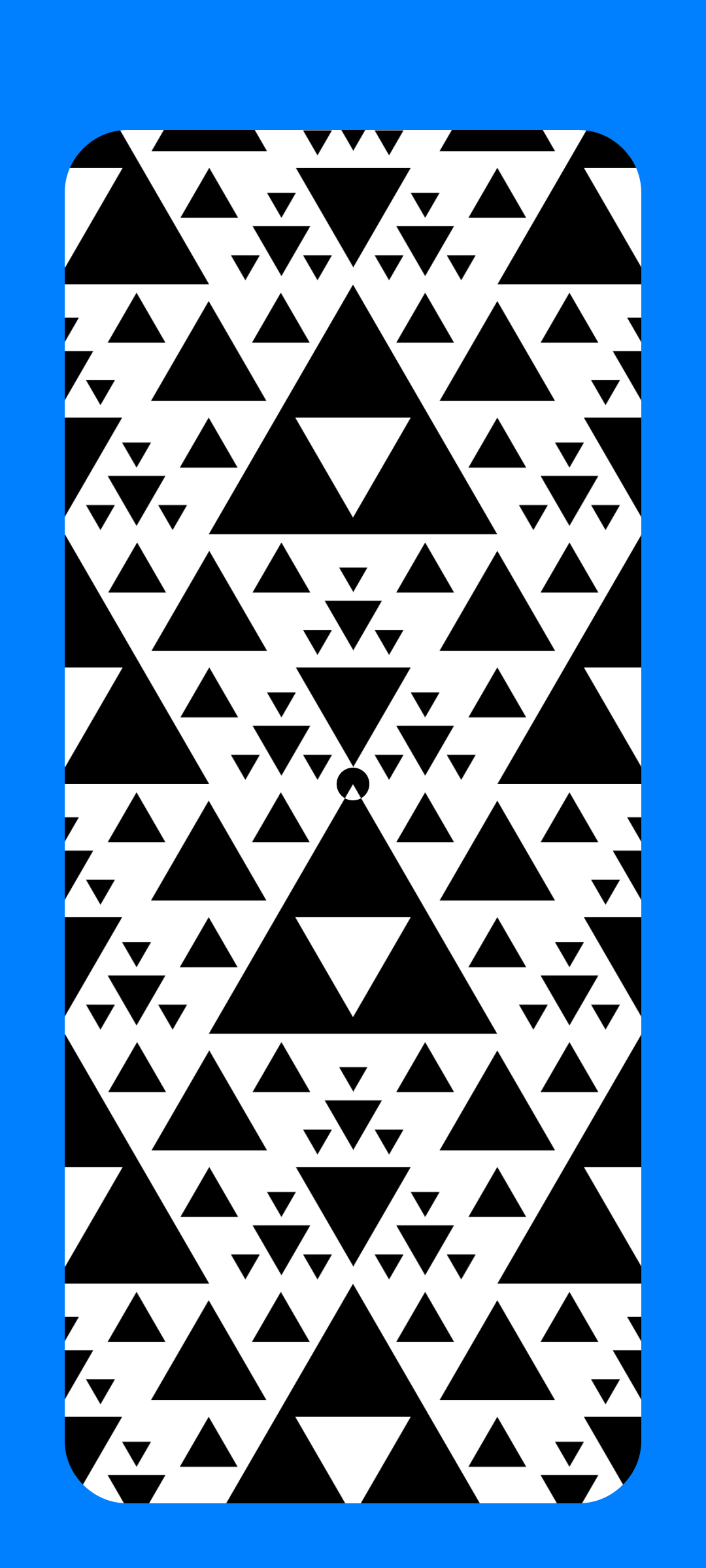
Blue
Ideal for: Preventing ugly spill-light.
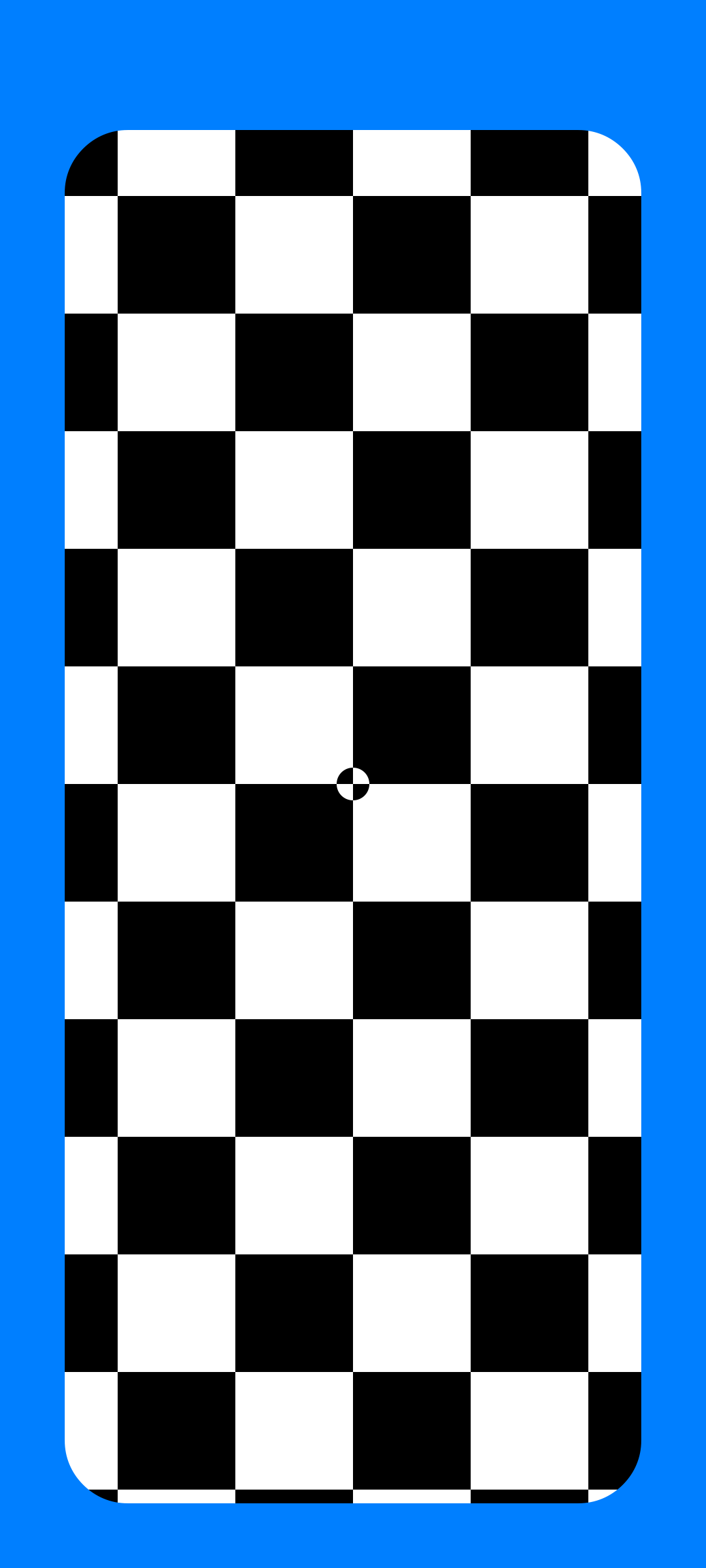
Green can sometimes produce sickly light, especially on skin tones. Therefore, you can use a blue screen instead. Keep in mind that blue may result in more noise due to the camera sensor. If you plan to crank up your ISO, it might be better to use green.
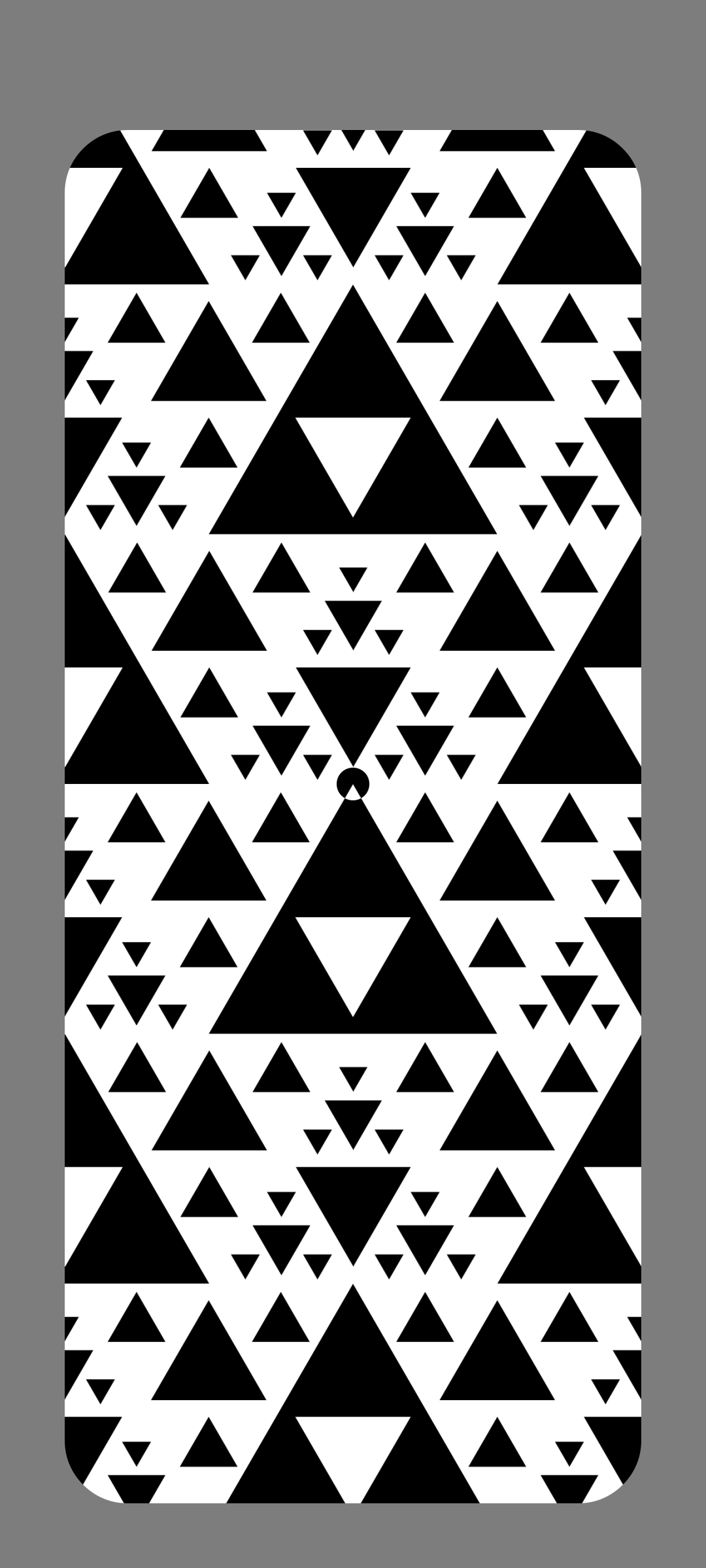
Grey or Black
Ideal for: Reflections
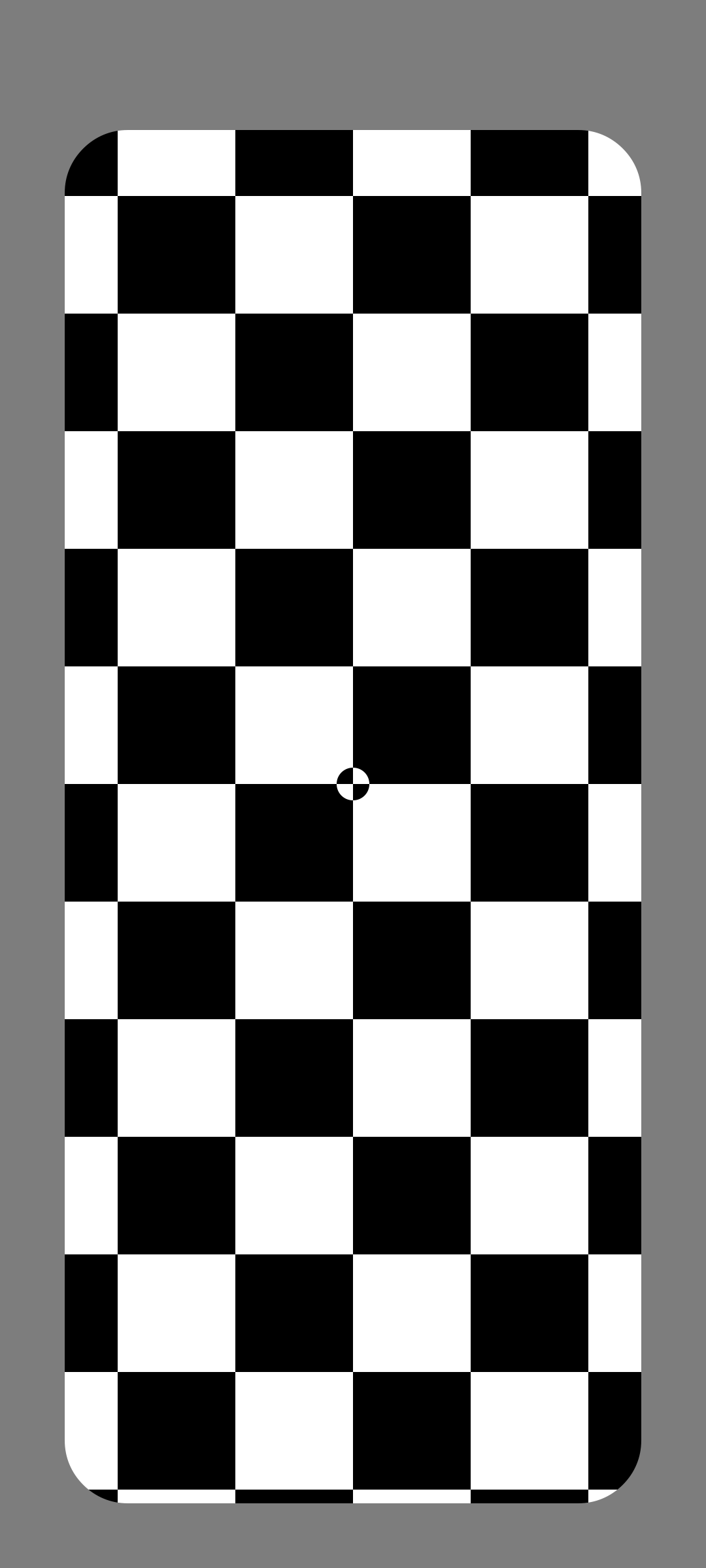
I prefer to reuse the original reflections that fall on the screen during the shot. This can also be done with colored screens. In that case, make sure the screen isn't overexposed. If accurate reflections are a priority, go for black or gray. The choice between the two depends mainly on whether you still want to see exactly where the edge of the screen should fall.
If there are things in the foreground, you'll need to crop them out. For blurred foreground elements, transparent objects, or hair, black is your best choice.





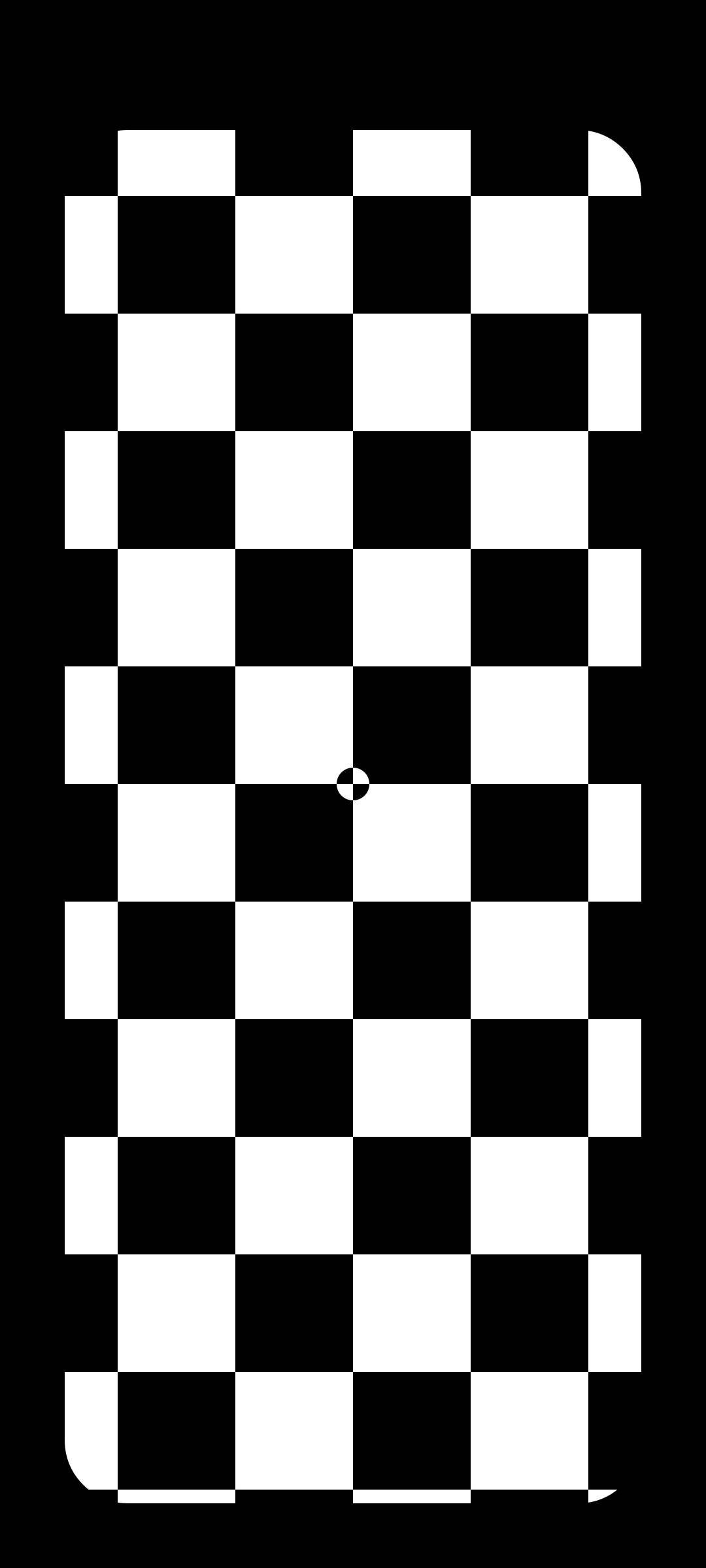
Checkerboard Patern
Ideal for: Tracking
If the phone will be moving a lot and still needs rock-solid tracking, choose a pattern with high contrast. Preferably you avoid that pattern at the edge, so you can still create a clean edge with keying or manual tracking.
Naturally, you can't use reflections here.


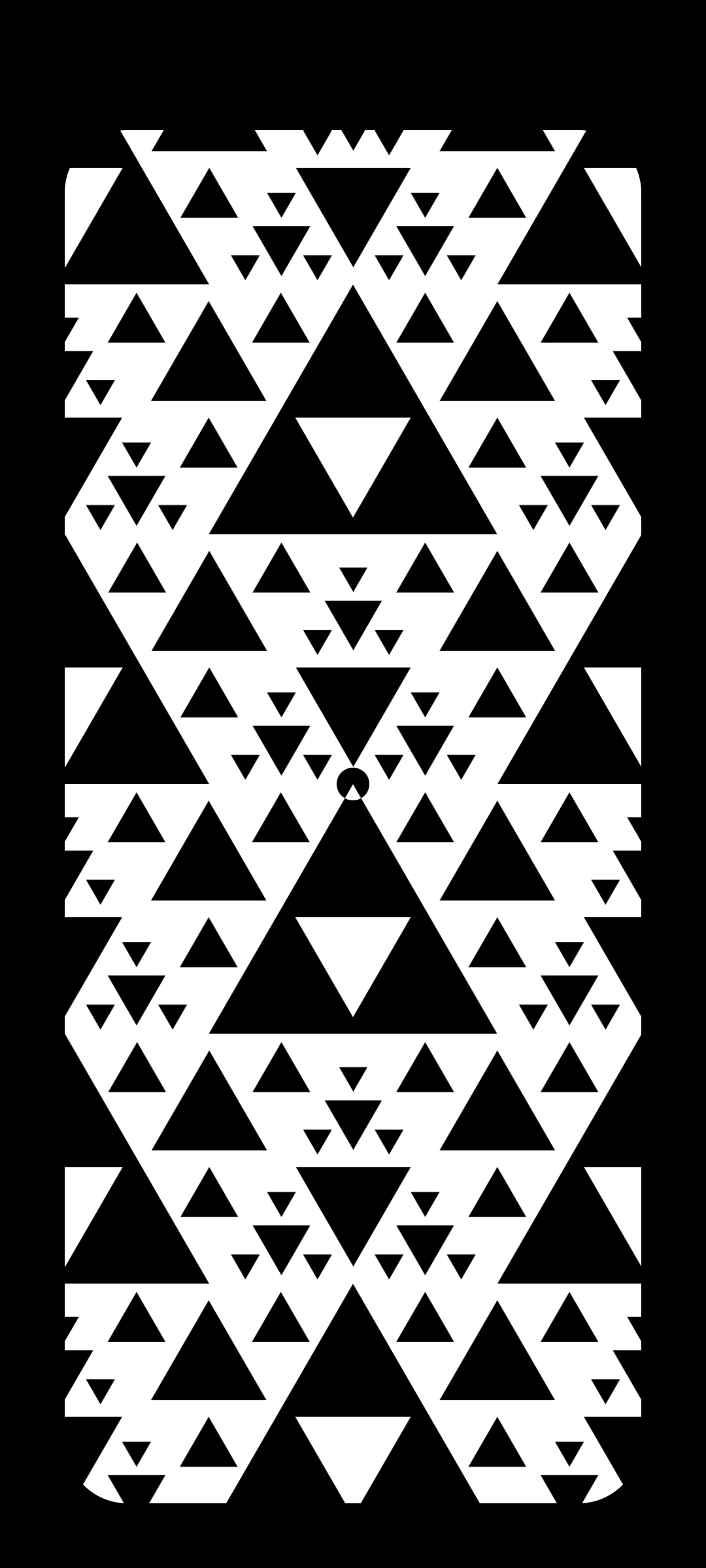
Trangle Patern
Ideal for: Tracking at a distance
Sometimes phones aren't front and center. This Sierpinski triangle pattern has both large and small details, ensuring there's a pattern to track at all distances. Is this overkill? Absolutely. But if your client comes visits set, you can show them you have a Hollywood option as well.


